How to Use This Tool on Different Devices
On Android
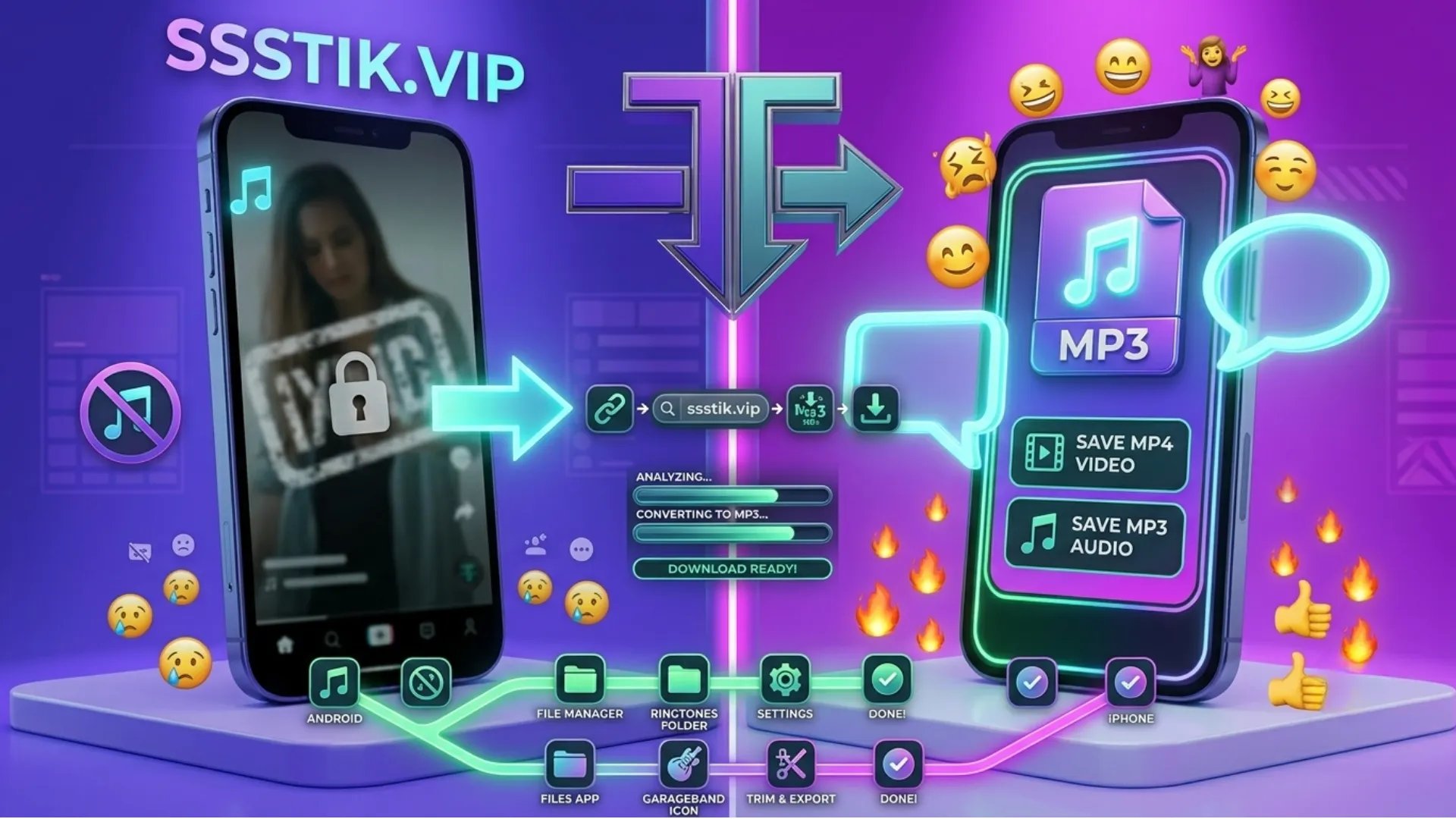
Open this page in Chrome or any browser you like. Paste the link and tap Download. Your file saves to your gallery or Downloads folder. No app needed.
On iPhone and iPad
Open Safari, paste your link, and tap Download. Your phone will ask where to save the file. You'll find it in the Files app or Photos.
On PC and Mac
Copy the link from TikTok, paste it here, and click Download. Your file saves to your normal Downloads folder. No extra software needed on ssstiktok.
Why Use Our TikTok Story Downloader
No Watermark
Your saved stories come out clean, with no logo or username on them.
No Account Needed
You don't need to sign up or log in to use this tool.
No Limit
Save as many stories as you want, with no daily cap.
No App Needed
This tool works right in your browser, so there's nothing to install.
Works on All Devices
Use it smoothly on Android, iPhone, Windows, and Mac.
Why People Save TikTok Stories
Before It Disappears
Stories vanish after 24 hours, so saving one keeps it around for good.
To Watch Offline
Save a story so you can view it later without needing an internet connection.
To Keep a Memory
Some stories are worth keeping, whether it's your own or a friend's.
To Repost or Share
Save a story to share again later, with proper credit where needed.
Is It Safe and Legal to Download TikTok Stories?
Safety
You don't need to log in, and nothing is saved after your download finishes. The tool just reads the link and gives you the file.
Legal Note
This is general advice, not legal advice. Saving a story for yourself is usually fine. But the content in a story belongs to the person who made it. If you want to repost or share it publicly, it's best to ask permission first.
Common Problems and How to Fix Them
- No download button shows up. Refresh the page and paste the link again.
- "Could not process this link." This is usually a connection issue. Check the link and try again.
- Download is slow or stuck. This is usually your internet, not the tool. Try switching networks.
- Can't download a story. If the account is private, the story can't be downloaded. It has to be public.