Download TikTok Sounds as MP3 Ringtone
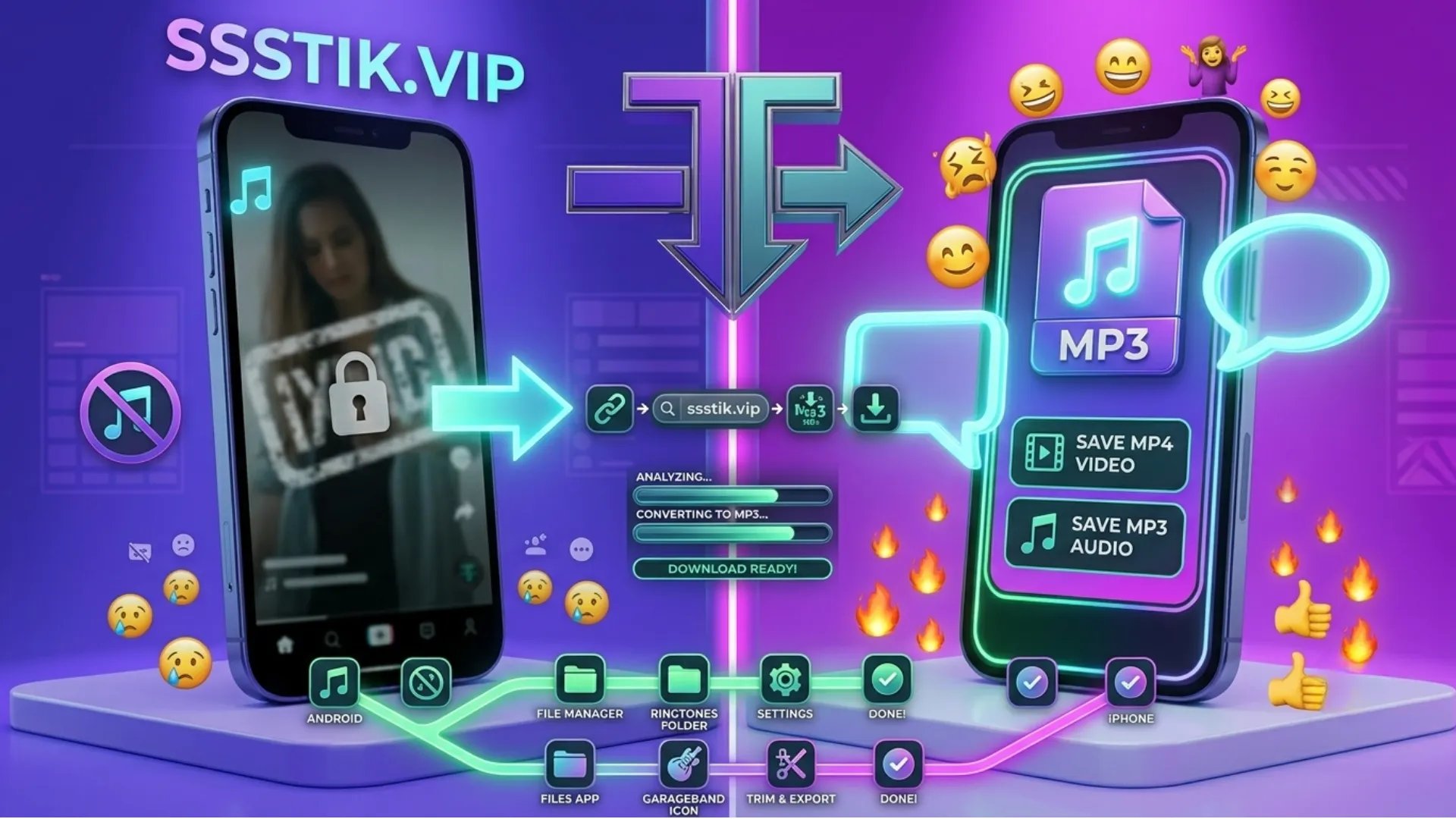
It happens to everyone. A song clip, a funny dialogue, or a viral sound keeps playing on TikTok, and it gets stuck in your head so badly that you think, this should be my ringtone. Then you open TikTok looking for a download button for the audio, and you find nothing. The app lets you use sounds in your own videos, but it gives you no way to save them to your phone.
The solution is easier than most people expect. In this guide, I will show you how to pull the MP3 audio out of any TikTok video using ssstiktok mp3, and then how to set that sound as your ringtone on both Android and iPhone.
Frequently Asked Questions
Can I download only the sound from a TikTok video?
Yes. Paste the video link on sss tiktok and choose the MP3 option instead of the video download. You get just the audio track as a small MP3 file.
Why does my MP3 have talking or noise over the music?
The MP3 contains the exact audio of the video you picked. If someone was speaking over the sound in that video, find another video that uses the same sound cleanly and download from that link instead.
Is there a length limit for ringtones?
Android accepts full-length MP3s, though most phones play only the first part before the call goes to voicemail. iPhone limits ringtones to thirty seconds, so trim the file in GarageBand before exporting.
Does this work without installing an app?
Yes. The ssstiktok video downloader runs completely in your browser. The only app you might need is GarageBand, and only if you are on iPhone and want the sound as a ringtone.
Is downloading TikTok sounds free?
Completely free, with no registration and no limit on how many sounds you save.