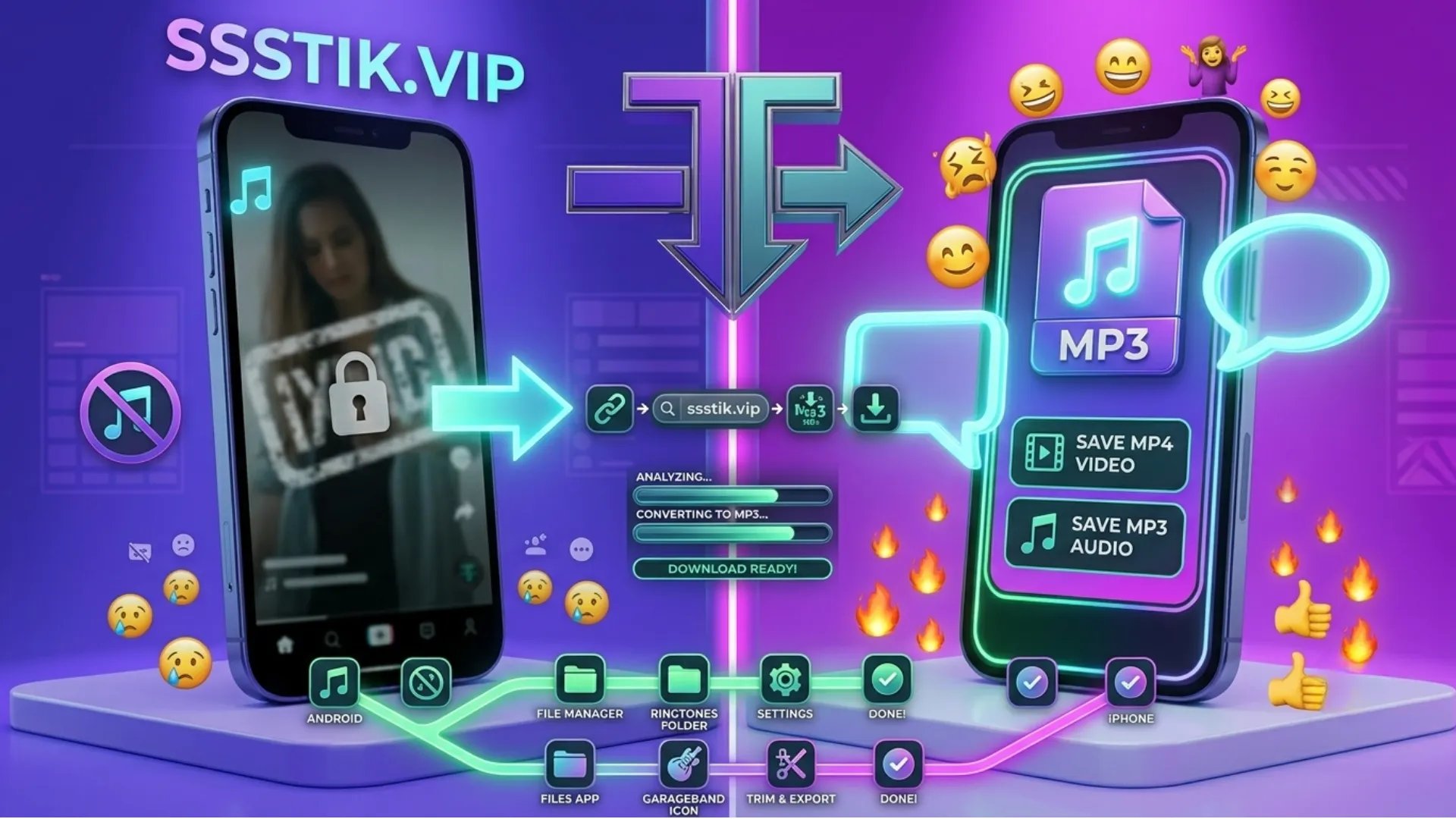
On Android
Paste the link into this page from Chrome (or your browser of choice) and the MP3 saves straight to your Downloads folder — no extra app needed.
On iPhone and iPad
Open this page in Safari, paste your link, and tap Download. iOS will prompt you to save the file, and from there you'll find it in the Files app.
On PC and Mac
Copy the link from TikTok's app or website, paste it into this page from any desktop browser, and click Download. The MP3 saves to your usual downloads folder — no software required.
MP3 or MP4 — Which Do You Need?
If you only care about the sound — a voiceover, a trending song, background music — MP3 is the lighter, simpler choice. If you want the visuals too, use the ssstiktok tiktok download option instead and pick MP4; it's the same tool, same paste-and-go process, just a different format at the last step.
Why Use This TikTok MP3 Downloader
- Original audio quality. The tool extracts the sound straight from the source file — no re-compression that leaves it sounding thin.
- No account, ever. No email, no password, nothing to sign up for.
- No cap on downloads. Save one track or a hundred.
- Nothing installs on your device. It runs as a webpage, not an app.
- Works everywhere. Android, iPhone, Windows, Mac — same process on all of them.
What People Use TikTok MP3 Downloads For
Ringtones
Turn a favorite sound bite into your phone's ringtone.
Offline listening
Save a trending song before it gets buried in your feed.
Editing and content creation
Pull a sound to reuse as background audio in your own project (with proper credit or rights where required).
Quick reference
Grab a voiceover or quote to revisit later without hunting through TikTok again.
A Quick Note on File Formats
Every so often, a track will download as M4A instead of MP3. That's normal — it happens when the original audio on TikTok is stored in that format — and every major music app (Apple Music, VLC, Windows Media Player, etc.) plays M4A just as easily as MP3, with no difference in sound quality.
Is It Safe — and Legal — to Download TikTok Audio?
Safety
This tool doesn't ask for a login, doesn't keep a copy of your file after you've downloaded it, and doesn't require installing anything. It reads the link, extracts the audio, and hands it back.
Legality
This is general guidance, not legal advice. Saving a sound for your own personal, offline listening is standard practice. It's worth knowing that a lot of TikTok's trending audio is licensed music, not original content from the person who posted it — so reusing that audio in something you publish or monetize is a different situation than reposting your own voice memo. When the sound is a commercial song, check the rights before using it beyond personal listening.
Common Problems and Quick Fixes
- No MP3 option is showing. Refresh the page and re-paste the link — occasionally the first parse only pulls video formats.
- "Audio failed to process." Usually a connection issue. Refresh and try again; if it keeps failing, the video may be private or removed.
- Download is slow or stuck. Almost always the network, not the tool — switch between Wi-Fi and mobile data and retry.
- Can't get audio from a specific video. If the account is private, no downloader can pull from it — the video has to be public.