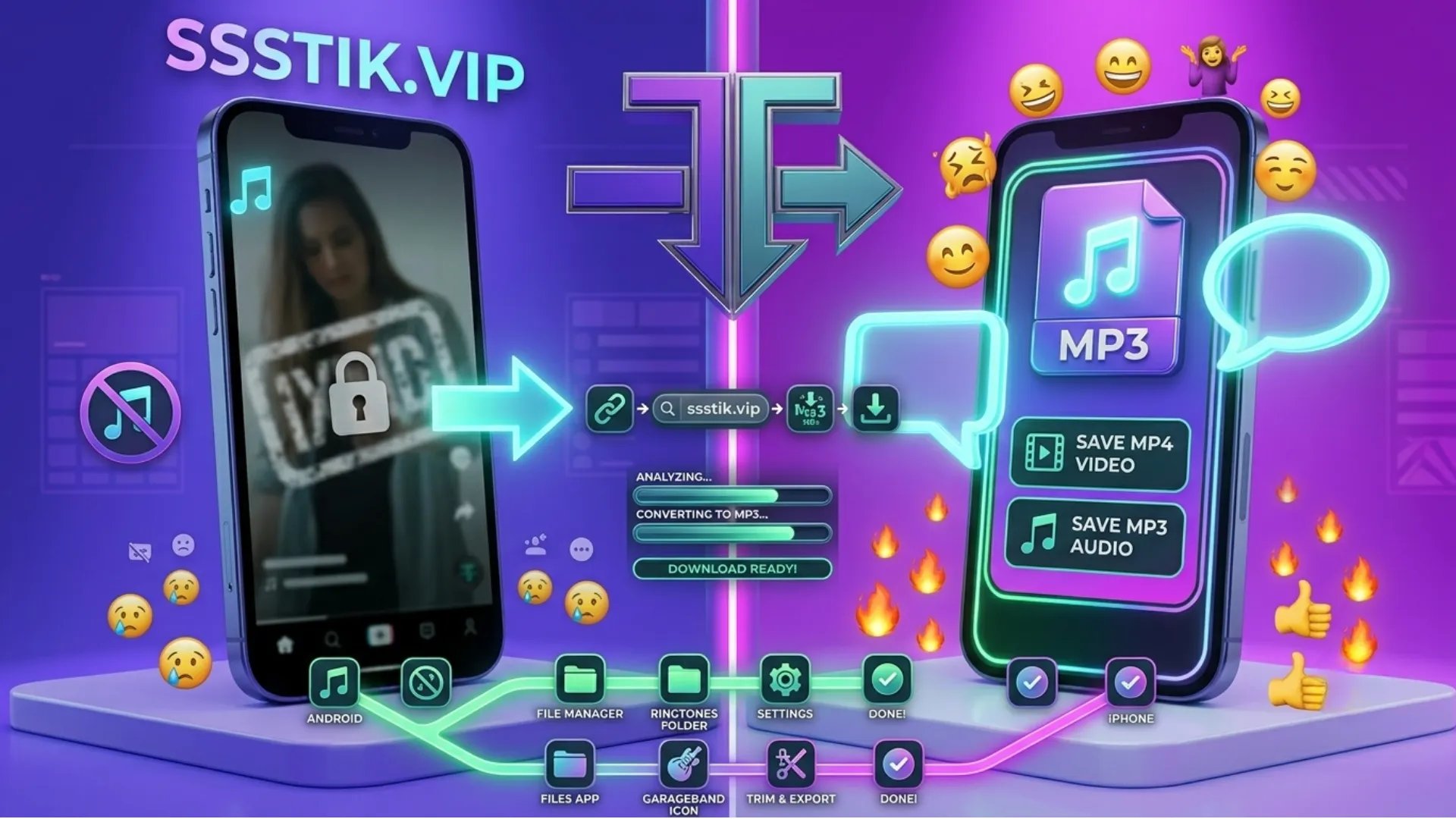
On Android
Open this page in Chrome or any browser. Paste the link and choose Photo or Video. Your file will go to your gallery or Downloads folder. No app needed.
On iPhone and iPad
Open Safari. Paste your link and tap Download. Your phone will ask where to save it. You'll find it in the Files app or Photos.
On PC and Mac
Copy the link from TikTok. Paste it here and click Download. The file will go to your normal Downloads folder. No extra software needed.
Photo or Video — Which One Should You Choose?
- Want just the pictures? Choose Photo. You'll get each photo as its own file.
- Want to keep the whole slideshow, with music and timing? Choose Video. It will save as one video file.
- Same link, same steps — just pick the option you want at the end.
Why Use SSSTik to Download TikTok Slideshows
Full Quality Photos
Every photo downloads in its original quality, with no blur or loss of detail.
No Watermark
Your photos and videos save clean, without any logo or watermark on them.
No Account Needed
You can use SSSTik without signing up or logging in.
No Limit
There's no cap on downloads — save as many slideshows as you like.
No App Needed
SSSTik works right in your browser, so there's nothing to install.
Works on All Devices
SSSTik works smoothly on Android, iPhone, Windows, and Mac.
File Format: JPG or WEBP?
Most photos from SSSTik save as JPG, which works everywhere. Sometimes a photo saves as WEBP instead — this is just a different picture format TikTok sometimes uses, not an error. Almost all phones and apps can open WEBP files without any problem. If yours can't, you can convert the WEBP file to JPG using any free photo editor or online converter.
Is It Safe and Legal to Download TikTok Slideshows?
Safety
You don't need to log in. Nothing is saved after your download is done. You don't need to install anything. The tool just reads the link and gives you Tiktok Slideshow.
Legal note
This is general advice, not legal advice. Saving something for yourself to watch later is usually fine. But the photos and music in a slideshow belong to the person who made it, or to the music owner. So if you want to reuse or repost it publicly, that's different from just keeping a copy for yourself. Check if you're allowed to use it before sharing it further.