Download TikTok Videos on Android
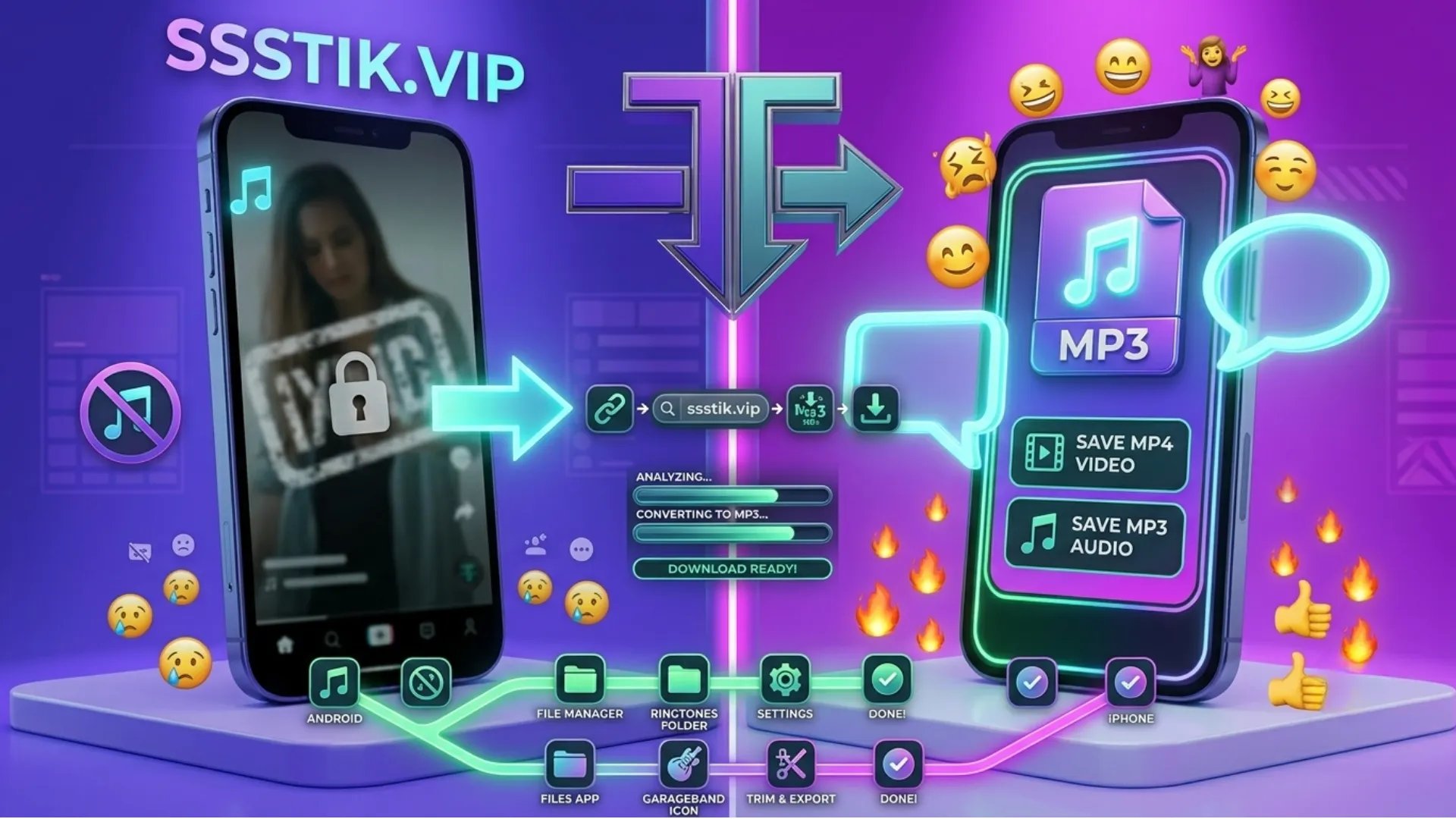
Using an Android phone is simple. Copy the TikTok video link from the TikTok app, open this SSSTik downloader in Chrome or any mobile browser, paste the link, and press Download.
Your watermark-free video will be downloaded directly to your gallery without installing any additional applications.
Download TikTok Videos on iPhone & iPad
You can also download TikTok without a watermark on iPhone and iPad.
Open this page in Safari, paste the copied TikTok link, and tap Download. iOS will ask where you want to save the file before adding it to your Photos or Files app.
Download TikTok Videos on PC & Mac
Our TikTok video downloader works perfectly on desktop computers as well.
Copy the TikTok link from the website or mobile app, paste it here, and click Download. The video will be downloaded directly to your selected folder without requiring browser extensions or software.
Why Choose Our SSSTik Downloader?
There are many TikTok downloaders online, but our SSSTik downloader focuses on speed, quality, and simplicity.
- Download TikTok videos without a watermark.
- Save videos in high-quality SSSTikTok MP4 format.
- Extract audio instantly with SSSTik MP3.
- No login or TikTok account required.
- Unlimited free downloads.
- Original video quality is preserved whenever available.
- Original audio remains clear without unnecessary compression.
- Works on Android, iPhone, Windows, Mac, and tablets.
- No apps, plugins, or software installation required.
SSSTik MP3 - Convert TikTok to MP3
Sometimes you don't need the video—you only want the sound.
With our TikTok to MP3 feature, paste the same TikTok link and choose SSSTikTok MP3 instead of MP4. The tool automatically extracts the original audio, making it easy to save trending songs, voiceovers, podcasts, or sound effects for offline listening.
SSSTik MP4 - Download TikTok Videos in HD
If you want the complete video, choose SSSTik MP4.
The downloader saves the video in high quality while removing the TikTok watermark whenever possible. The original audio stays synchronized with the video, giving you a clean copy that's perfect for offline viewing.
Is SSSTik Safe to Use?
Safety
Our SSSTik TikTok downloader works entirely through your browser. You don't need to sign in with your TikTok account, install software, or provide personal information.
The downloader reads the public TikTok link that you submit, processes the video, and generates your downloadable file.
Legal Information
Downloading publicly available TikTok videos for personal offline viewing is generally acceptable. However, ownership of the content remains with the original creator.
If you plan to repost, edit, or use someone else's content commercially, you should always obtain permission or provide proper credit where required.
Common Problems and Quick Fixes
Nothing happens after pasting the link
Make sure you copied the complete TikTok URL using Share → Copy Link instead of copying the caption text.
Video failed to process
Refresh the page and try again. If the issue continues, the video may have been deleted or changed to private.
Download is slow
Internet speed is usually the cause. Switch between Wi-Fi and mobile data, then try again.
Can't download a specific TikTok video
Private videos cannot be downloaded. Only publicly available TikTok videos are supported.